AI Cat Video Generator
Turn a prompt or photo into a viral cat video with scenes, voiceover, music, and captions in minutes.


Loved by 50,000+ AI creators
From a Text Prompt to Viral Cat Videos
Type a cat idea, drop in a script, or pick a trend like chef cats or dance cats. Zebracat builds a full video with scenes, motion, voiceover, music, and captions.
See What You Can Create with AI Cat Video Generator
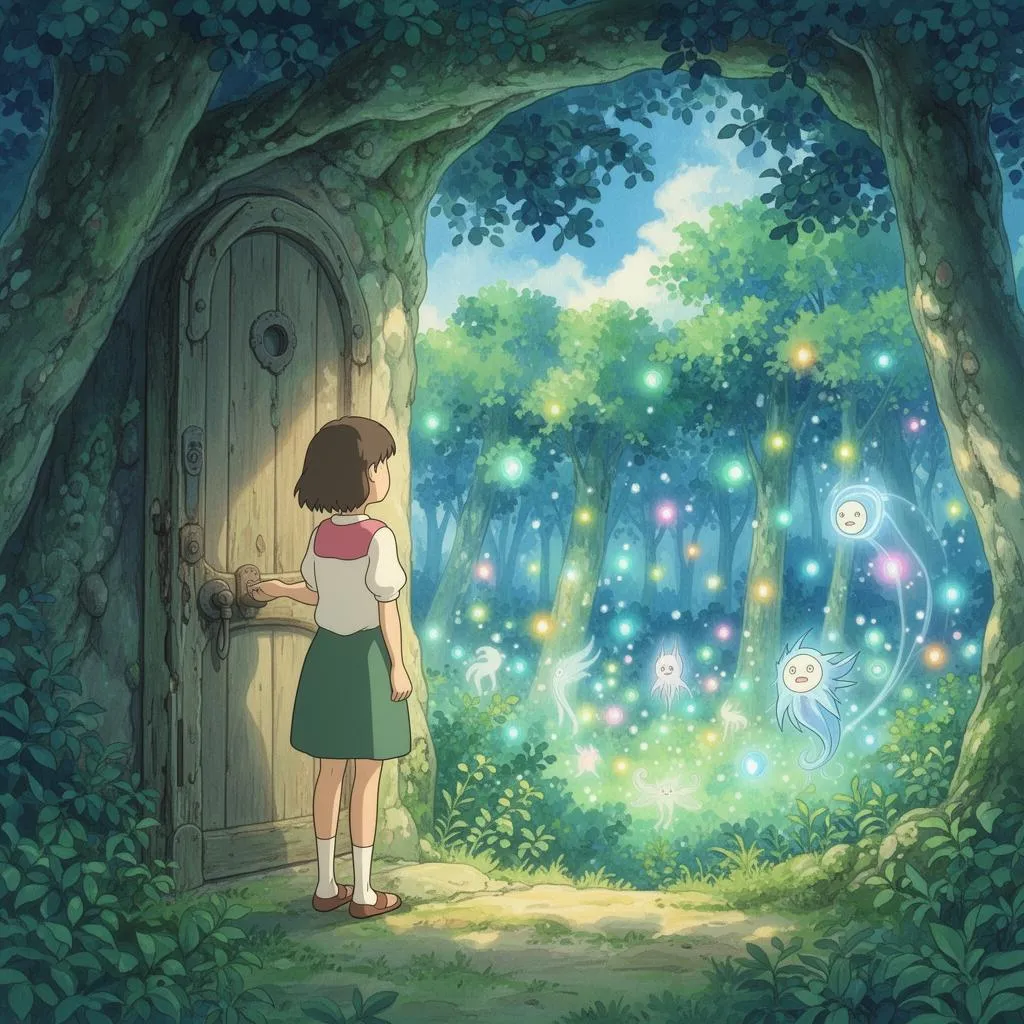
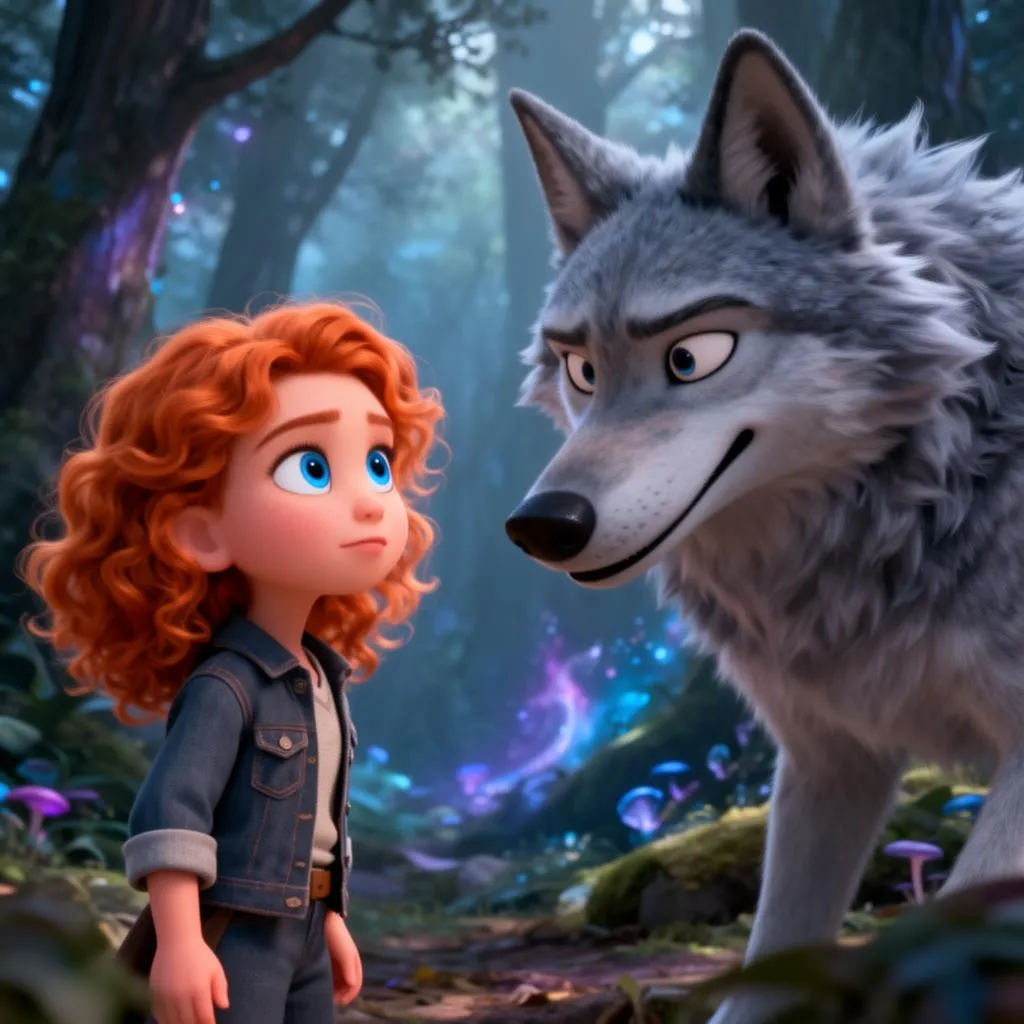
Pick a format that fits your niche, from cooking cats and vlog tabbies to dance kittens and storytime shorts.
- Cooking ASMR and recipe reels
- Chef cat compilations
- Cozy kitchen and bakery scenes
- Trending food content for TikTok

- Cat POV daily vlogs
- Confessional kitten monologues
- Funny cat opinion videos
- Faceless creator channels
- Dance trends and challenges
- Fashion runway cat reels
- Workout and gym cat clips
- Beat-synced short videos
How to make cat videos with AI?
Three steps from a cat idea to a finished video.
Why Zebracat is the Best AI Cat Video Generator
Most AI cat tools stop at a 5-second clip. Zebracat builds the full video. You get multiple scenes, voiceover, music, captions, and pacing tuned for TikTok, Reels, and Shorts in one workflow.
FAQs
What is an AI cat video generator?
An AI cat video generator turns a text prompt, script, or image into a finished cat video. The tool handles visuals, scene transitions, voiceover, music, and captions in one workflow. With Zebracat, you can build viral cat content for TikTok, Reels, and Shorts in minutes without filming a real cat, sourcing stock footage, or editing clips.
What kind of cat videos can I create?
Most viral cat formats work. Cooking chef cats, dancing trend cats, vlog and storytime cats, breed and behavior explainers, kitten comedy, mukbang cats, runway fashion cats, gym cats, and ASMR cat content. Zebracat also fits brand use cases like pet food ads, cat product reviews, vet clinic content, and rescue or charity storytelling.
How do I write a prompt for a viral cat video?
Describe four things: the cat, the action, the setting, and the mood. Example: ’An orange tabby chef flipping pancakes in a tiny wooden kitchen at sunrise. Warm light, gentle steam, ASMR sizzling sound, vertical format, white captions.’ Strong prompts mention breed and color, what the cat is doing, where the scene takes place, lighting, camera feel, and platform. The more specific the visual cue, the more shareable the result.
Can I edit the video after generation?
Yes. You can swap scenes, rewrite captions, change the voiceover, replace the music, and adjust pacing. This matters when a single scene needs a tweak or when you want to repurpose one video into TikTok, Reels, and Shorts versions.
Can I make cat videos for TikTok, Reels, and YouTube Shorts?
Yes. Pick vertical 9:16 for TikTok, Instagram Reels, and YouTube Shorts, or switch to square or horizontal for Facebook and YouTube long-form. Zebracat adds captions, voiceover, beat-synced cuts, and pacing built for short-form, so the video is post-ready the moment you export.
Can I use my own cat photo or voice in the video?
Yes. Upload a photo of your real cat to anchor the visual style and keep the breed, color, and markings consistent across scenes. You can also upload your own voice or clone it once with AI and reuse it across every video. This works well for personal pet channels, brand storytelling, narrator explainers, and creator content where a recognizable voice builds a loyal audience.
Can I use AI cat videos commercially?
Yes, on paid Zebracat plans. Use original prompts and avoid copying named characters, branded mascots, or trademarked logos. Safe commercial prompts describe the breed, action, mood, and setting in your own words. This covers pet brands, vet clinics, cat product ads, rescue campaigns, and creator monetization on TikTok, YouTube, and Instagram.
