AI Anime Video Maker
Turn a prompt, script, or photo into a full anime video with scenes, voice acting, music, and subtitles in minutes.


Loved by 50,000+ AI creators
From a Prompt to an Anime Video
Type a scene, paste a script, or upload a reference. Zebracat turns it into a full anime video with consistent characters, cel-shaded scenes, motion, voice acting, subtitles, and music.
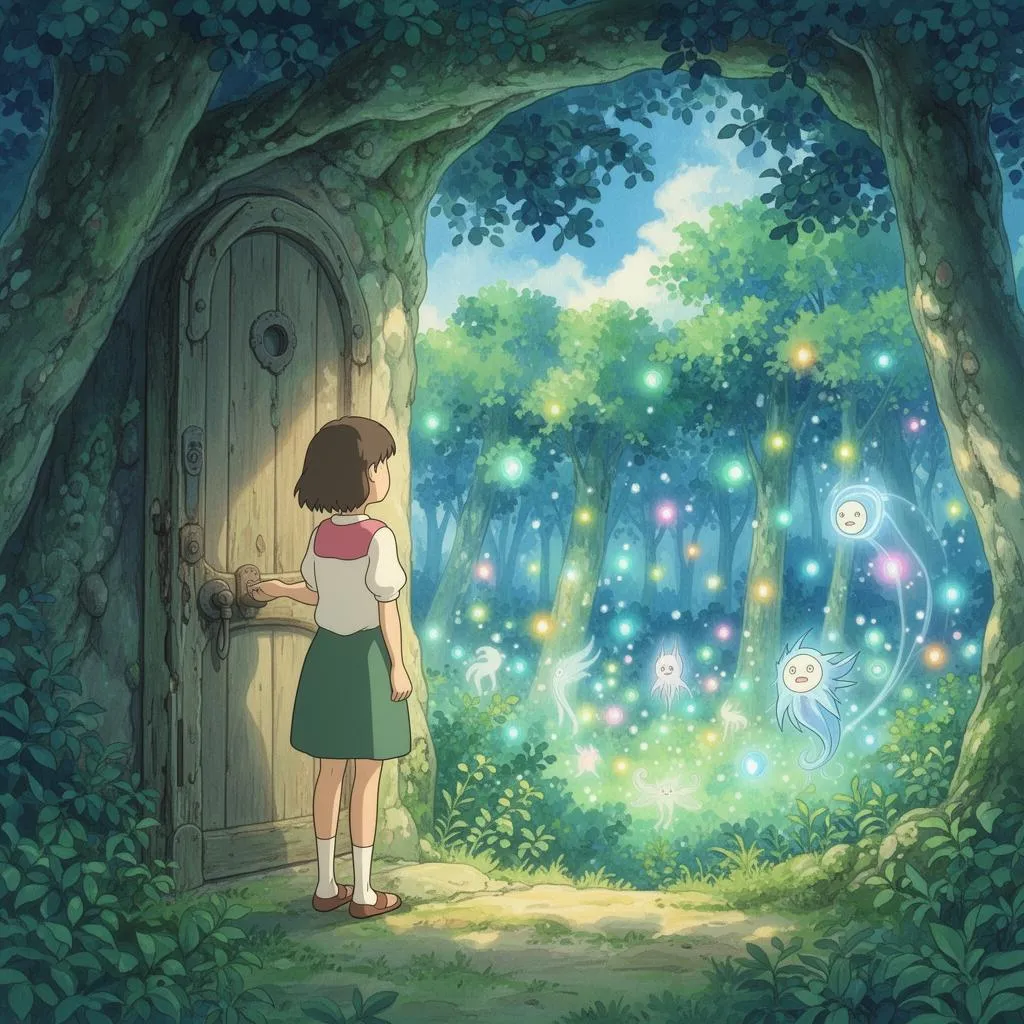
See What You Can Build With the AI Anime Video Maker
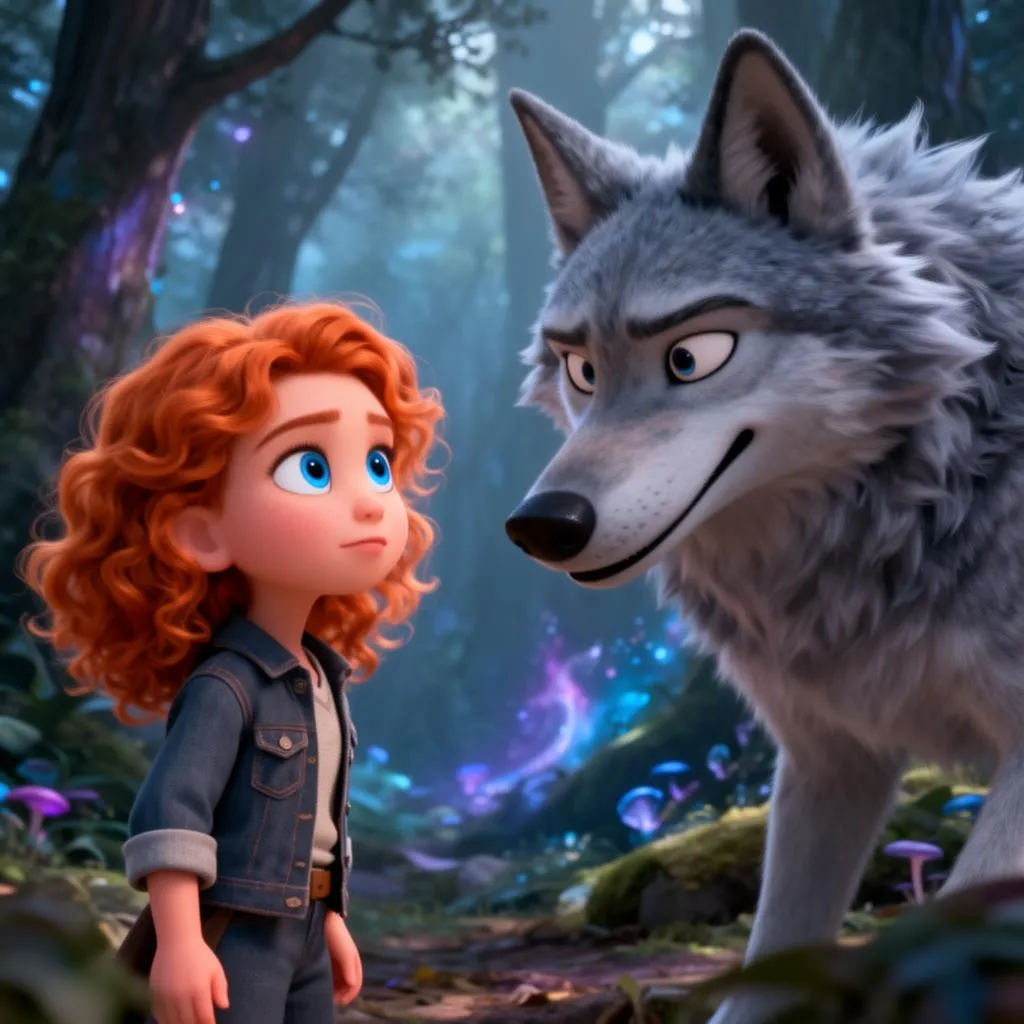
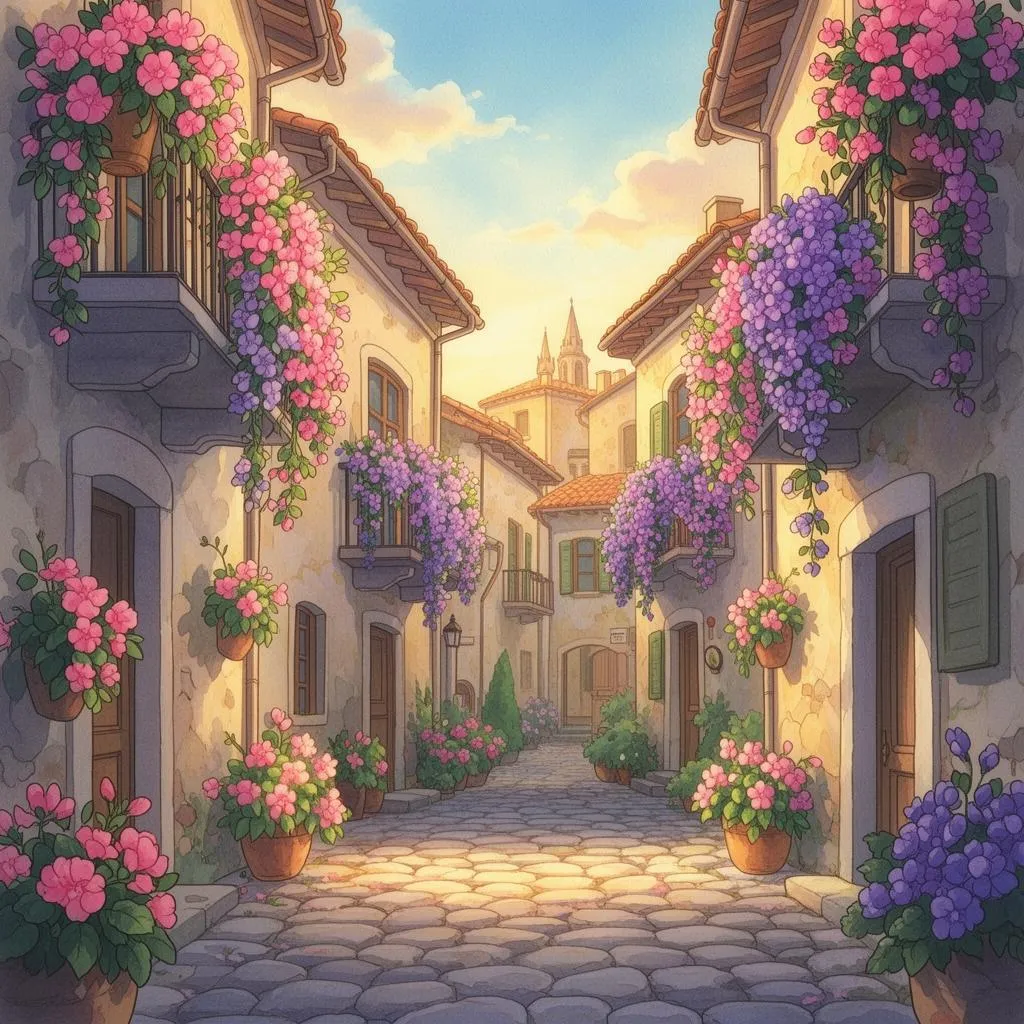
Create anime videos from scripts, fanfic, manga panels, photos, brand briefs, or quick social posts.
- Original manga and fanfic adaptations
- Anime YouTube and Shorts channels
- Light novel and book trailers
- Storytime narrations with anime visuals
- Anime-style TikToks and Reels
- Photo-to-anime character videos
- Faceless anime creator channels
- Anime meme and reaction videos
- Anime-style product ads
- SaaS and app explainers
- Course and creator promos
- Recruiting and culture videos
How to make anime videos with AI?
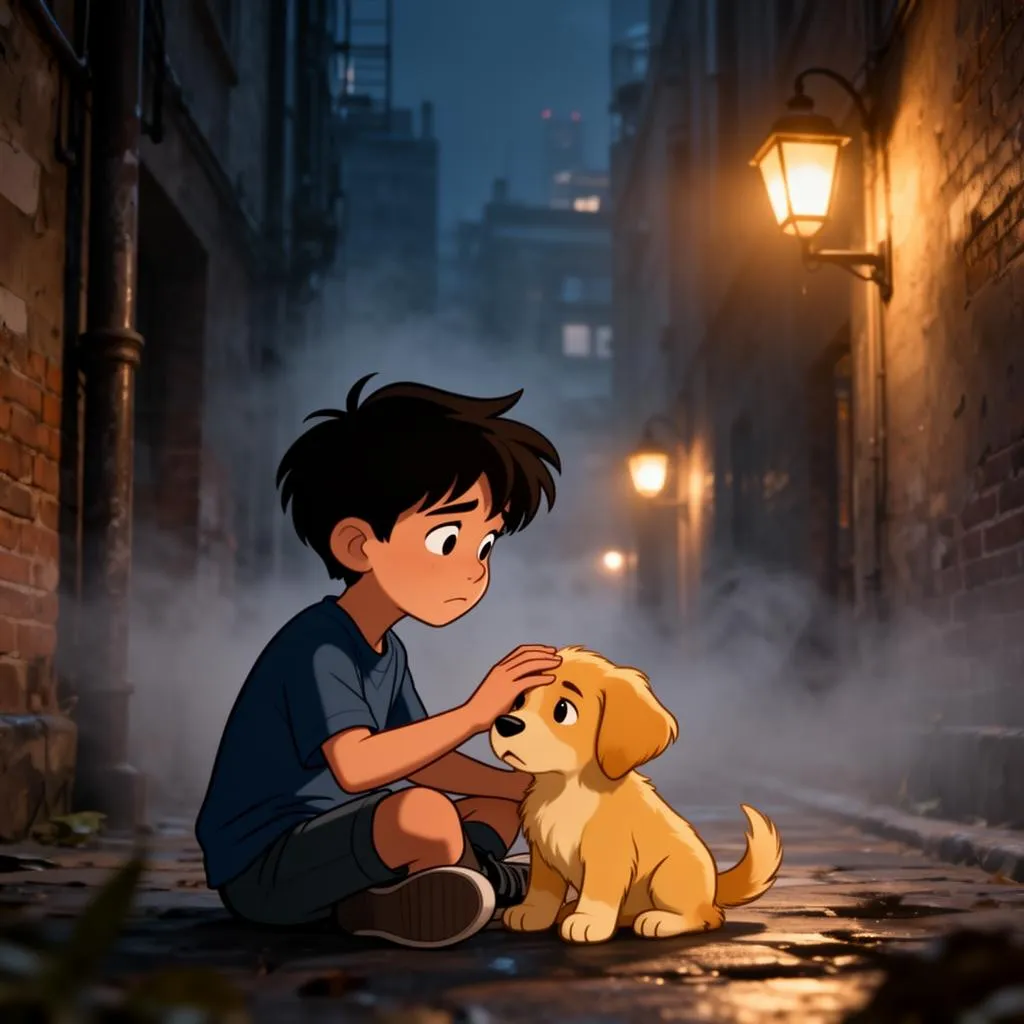
Three steps to create an anime video from scratch.
Why Zebracat Is the Best AI Anime Video Maker
Most AI anime tools stop at a still image or a five-second clip. Zebracat builds a full anime video from your prompt, script, or photo, with consistent characters, multi-scene pacing, voice acting, music, subtitles, and editing in one workflow.
FAQs
What is an AI anime video maker?
An AI anime video maker turns prompts, scripts, or photos into animated anime-style videos. Output usually includes multiple scenes, consistent characters, motion, voice acting, subtitles, and music. With Zebracat, you write or paste your idea, pick a genre, and get a finished anime video in minutes. Export it for TikTok, Reels, Shorts, or YouTube.
What anime styles can I create with Zebracat?
You can create shonen action, slice-of-life, romance, cyberpunk, mecha, fantasy, isekai, chibi, and retro 90s anime looks. Each style controls color palette, line work, motion feel, and lighting. You can also blend genres, mix manga panel framing with full animation, or use a reference image to lock a specific look across every scene.
How do I prompt for a specific anime scene?
Describe the character, setting, mood, anime substyle, lighting, framing, and format. Example: 'A teenage hacker rides a neon train through a rainy Tokyo night. Cyberpunk anime style, cel-shaded, magenta and cyan lighting, dynamic camera, lo-fi soundtrack, vertical format for TikTok.' Strong prompts mention who is in the scene, the location, the mood, the genre, the color palette, the camera feel, and the platform.
Can I turn my photo into an anime character video?
Yes. Upload a photo, choose your anime substyle, and Zebracat generates a consistent anime version of the subject. Animate it across scenes with motion, voice, and captions. Useful for creator avatars, faceless channels, recurring series characters, and short-form TikTok or Reels content.
Can I make anime videos for TikTok, Reels, and YouTube Shorts?
Yes. Zebracat produces vertical anime videos sized for TikTok, Instagram Reels, and YouTube Shorts, with built-in subtitles, voice acting, music, and scene pacing. Export square or horizontal versions for YouTube, ads, and Patreon recaps, so one anime idea ships in multiple aspect ratios from a single project.
Can I add my own voice or anime-style voice acting?
Yes. Upload your own narration, clone your voice once with Zebracat, or pick from anime-style AI voices that match shonen, slice-of-life, or villain tones. Add music, sound design, and subtitles in one workflow. Helpful for episodic series, faceless anime channels, AMVs, manga reads, and book trailers where voice acting carries the scene.
Can I use AI anime videos commercially?
Yes, on Zebracat plans with commercial rights. Keep prompts original and avoid direct references to copyrighted anime characters, studios, or show titles. A safe commercial prompt describes the genre, mood, palette, and your own characters rather than naming a specific anime, character, or franchise. Check your plan terms before running paid ads.
