

Table Of Content
I have used InVideo for more than two years, and I re-ran my full test suite on it in June 2026 for this update. A lot changed: the pricing model moved to credits, generative AI models arrived inside the platform, and the gap between what the marketing promises and what your subscription actually covers got wider, not smaller.
This review covers what most people actually search for: what InVideo really costs in 2026, what the credit system means for your bill, what the tool does well, where it falls short, and when you are better off with an alternative. No hype, both directions.
Quick verdict: InVideo AI remains a capable prompt-to-video tool for stock-and-template social content, rating 3.8/5 in my testing. Buy it if you want fast, templated videos and can live with credit limits. Skip it if you want generated visuals, predictable costs at volume, or publishing automation.

What Changed at InVideo in 2026
- Credits became the currency. Your plan grants monthly credits spent across video creation, generative models, and features. Credits reset on your renewal date and do not roll over. Budget accordingly.
- Generative models arrived, at API pricing. You can now use frontier video models inside InVideo, but generations are billed at the models' original API rates against your credits. Heavy generative use gets expensive fast.
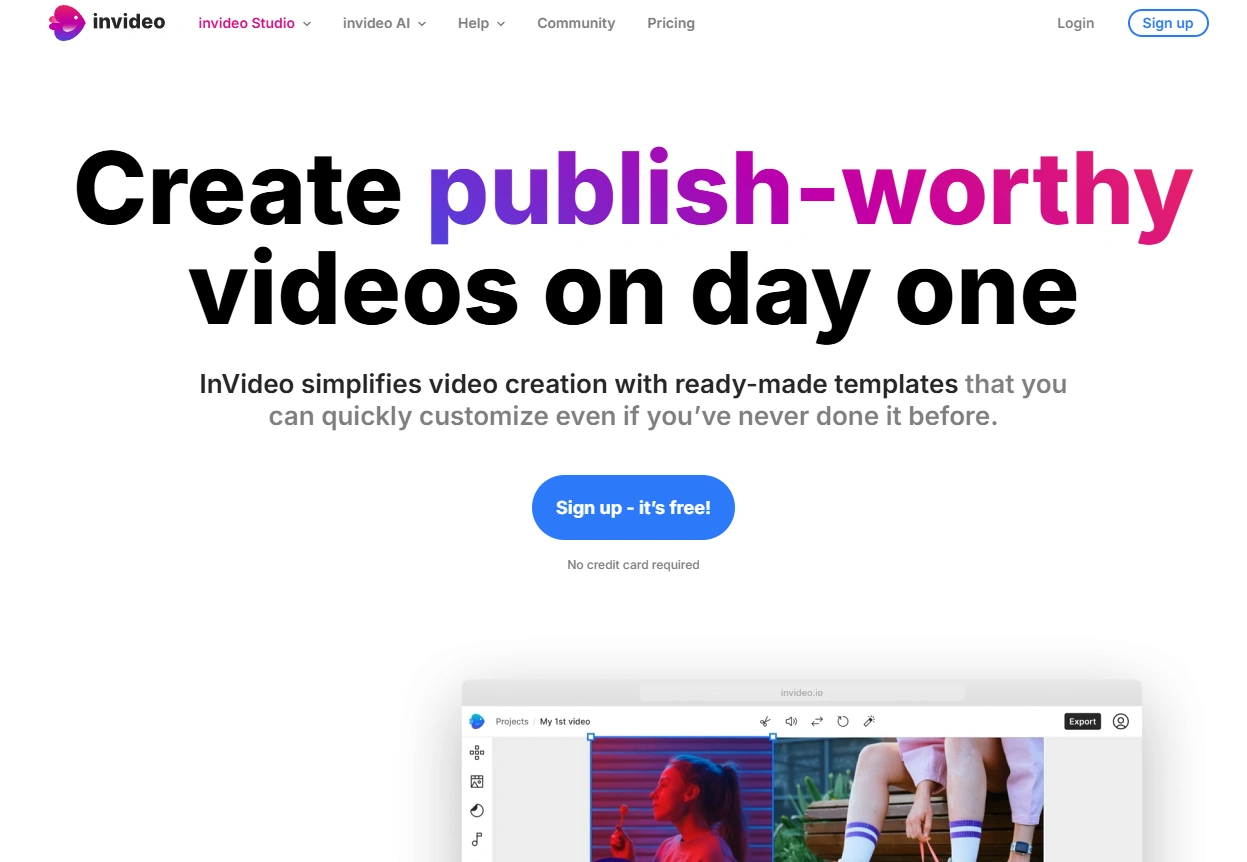
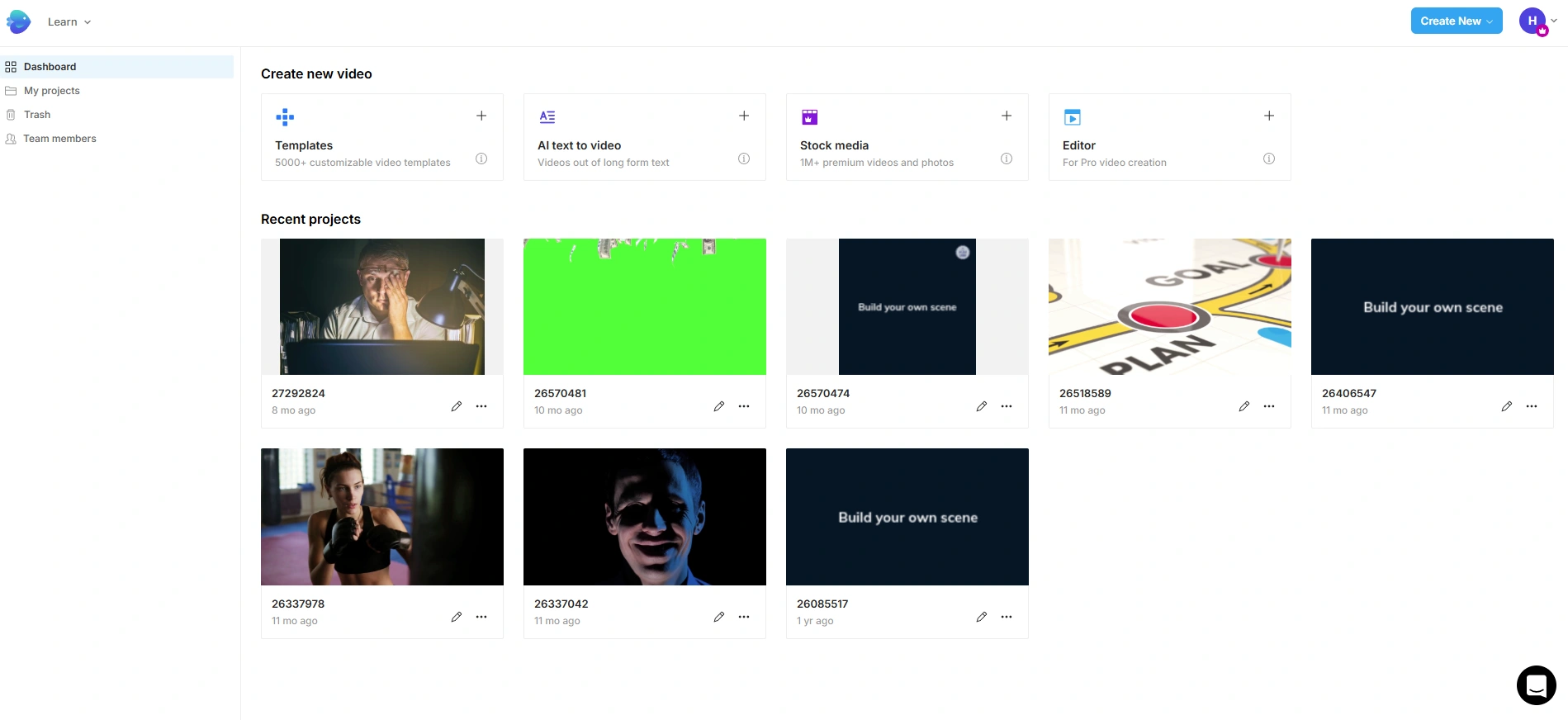
- InVideo AI absorbed the product. The legacy template editor (InVideo Studio) still exists, but development and pricing now center on the prompt-to-video InVideo AI product. This review focuses on InVideo AI.
InVideo AI Pricing in 2026: What You Actually Pay
InVideo AI now sells four paid tiers plus a free plan, and it meters everything in credits instead of AI minutes. The prices below are what invideo.io/pricing shows with annual billing selected; InVideo's own toggle says monthly billing costs about 15% more.
| Plan | Price (billed yearly) | Credits per month | What you get |
|---|---|---|---|
| Free | $0 | Limited | Watermarked exports, enough to test the workflow |
| Plus | $17/mo ($200/yr) | 750 | 4 AI avatars and voice clones, 20 GB storage, 100 iStock assets, no watermark |
| Max | $85/mo ($1,000/yr) | 3,900 | 16 avatars and voice clones, 100 GB storage, 200 iStock assets |
| Generative | $170/mo ($2,000/yr) | 8,000 | 40 avatars and voice clones, 2 TB storage, 1,000 iStock assets |
| Elite | $900/mo ($10,800/yr) | 42,500 | 200 avatars and voice clones, 10 TB storage, 5,000 iStock assets |
Prices verified on invideo.io/pricing on 2026-09-04.
The number that matters is not the sticker price, it is cost per finished video. InVideo does not publish how many credits a finished video costs. Its own pricing page says 750 credits buy 300 Nano Banana Pro image generations, and a video made of several AI clips from Veo 3.1, Kling 3, or Seedance 2.5 burns far more per scene than that. Budget on Plus covering roughly a dozen finished stock-based videos a month, which puts you near $1.40 per video, and fewer once you lean on the generative models. Credits you do not use in a month are gone.
How I Tested InVideo
Same method as my AI video generator tests: an 80-word product script, timed from paste to a video I would publish, plus a cost check on the cheapest viable plan. I re-ran everything in June 2026 on a paid account.
What InVideo Does Well

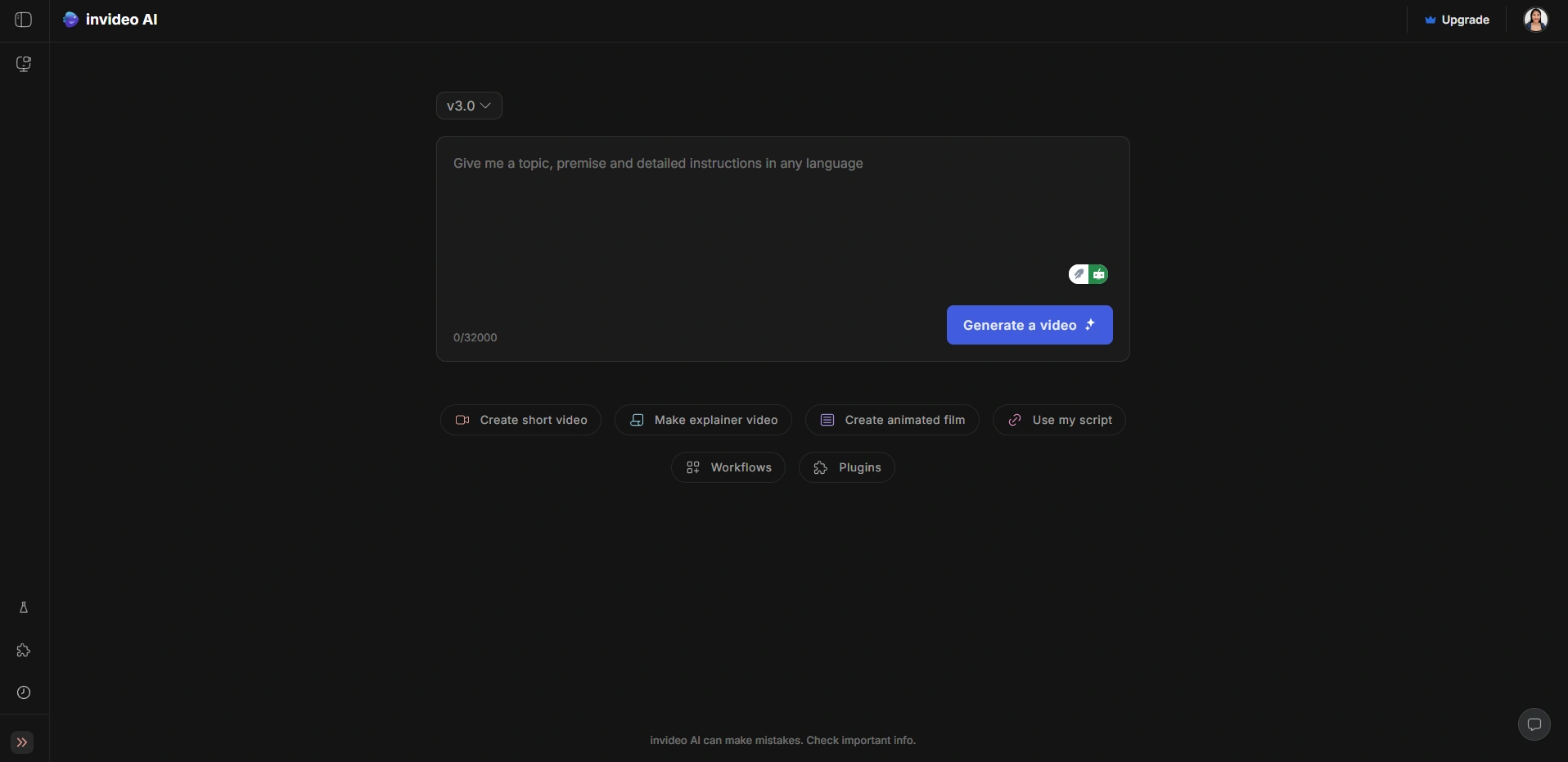
- Prompt-to-draft speed. My test script became a first draft in about five minutes: structure, stock footage, voiceover, and captions assembled automatically. As a starting point, that is genuinely useful.
- Stock depth. The iStock integration is the best stock access at this price point. For talking-about-business content, you will usually find usable footage.
- Editing by command. You revise by typing instructions ("change the voiceover to British accent, make scene 2 shorter"). When it understands you, it feels like the future. When it does not, you repeat yourself, and each retry costs time.
- Captions and voiceovers. Accurate auto-subtitles and serviceable AI voices, including voice cloning on paid tiers.
Where InVideo Falls Short
- The credit trap. Iteration is where credits die. My test video took three regenerations to get right; each one burned minutes. At volume, the effective cost per published video is meaningfully higher than the plan price suggests.
- The template look. Output leans on stock footage and recognizable templates. Polished, but your videos can look like everyone else's. There is no generated-visual style of your own.
- Manual control is shallow. When the AI gets something almost right, fixing that last 10% by hand is harder than in a real editor. Power users hit the ceiling quickly.
- Creation is where it stops. No scheduling, no posting, no performance loop. You export and the rest of the workflow is on you.
InVideo vs Zebracat and Other Alternatives
InVideo's closest rival is Zebracat, and the difference is philosophy. InVideo assembles stock footage around your prompt. Zebracat generates visuals with the latest video models, picked per scene by its orchestration engine, and its agent then schedules, posts, and learns from performance. In my head-to-head test, InVideo's draft needed ten more minutes of stock-swapping; Zebracat's was publishable after one scene swap, in under two minutes total. Zebracat paid plans also start lower, at $19/month billed annually.
The honest split: choose InVideo if you specifically want the stock-footage look and iStock access. Choose Zebracat if you want generated visuals, predictable per-video costs, and publishing built in. For the full landscape, see my best AI video generators and best AI reel makers roundups, or the dedicated InVideo alternatives page.
Who Should Buy InVideo in 2026
- Buy it if you produce stock-style social videos weekly, value iStock access, and stay within plan minutes.
- Skip it if you need generated visuals, brand-distinct output, automation past export, or predictable costs at high volume.
FAQs
How much does InVideo AI cost in 2026?
Free plan available. With annual billing, Plus is $17/month ($200/year, 750 credits), Max $85/month ($1,000/year, 3,900 credits), Generative $170/month ($2,000/year, 8,000 credits), and Elite $900/month ($10,800/year, 42,500 credits). Monthly billing costs about 15% more. Credits reset monthly and do not roll over. Verified 2026-09-04.
Is InVideo AI worth it in 2026?
For template-and-stock social videos at moderate volume, yes, it earns its price. For generated visuals, high-volume publishing, or cost predictability, alternatives like Zebracat deliver more per dollar.
Is InVideo AI free?
There is a free plan with limited credits and watermarked exports. It is good for evaluating the workflow, not for publishing.
What is better than InVideo?
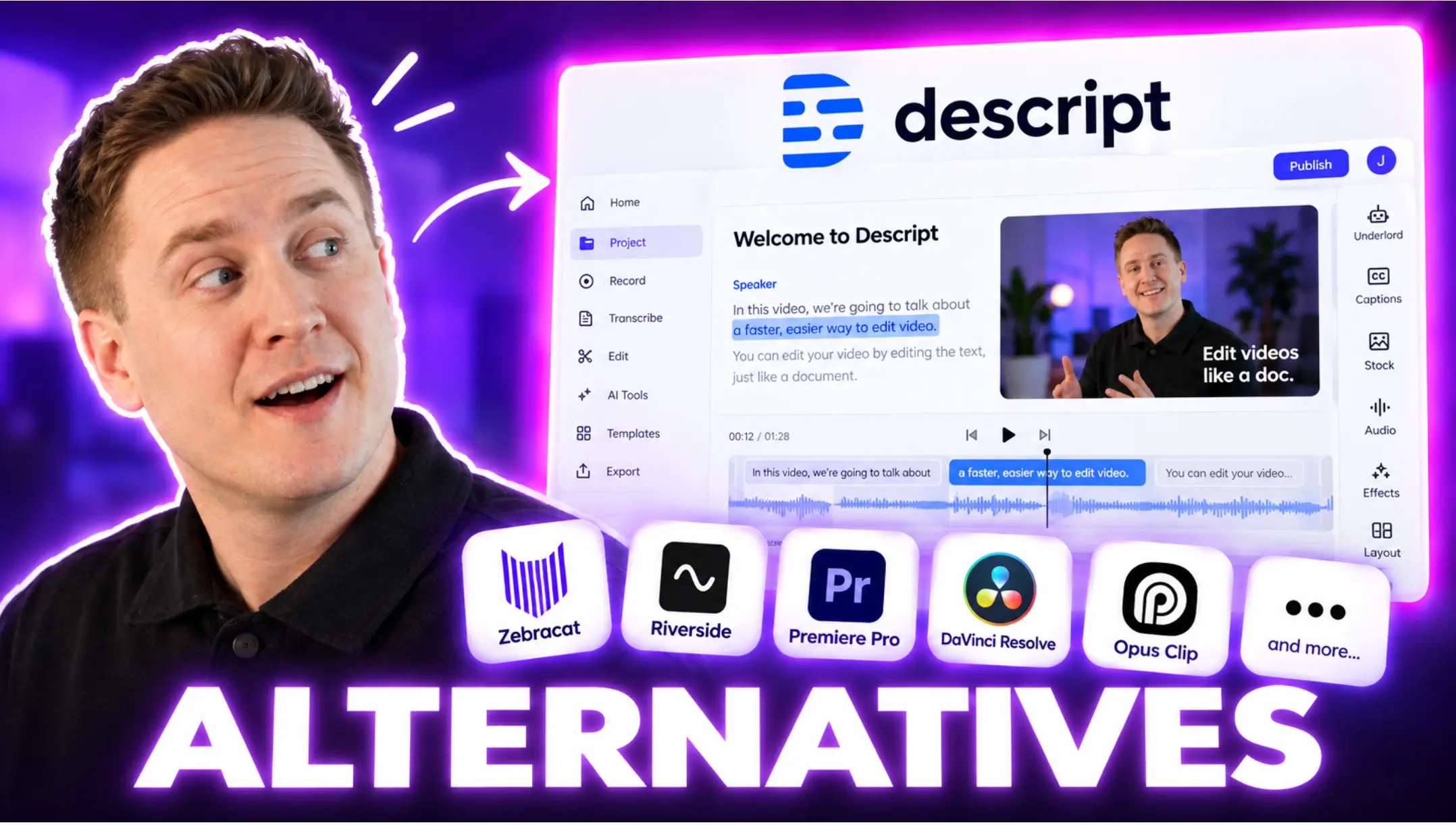
Depends on the job. Zebracat for generated visuals, lower entry price, and an agent that schedules and posts. CapCut for editing filmed footage. Synthesia for avatar presenters. My full 2026 comparison covers all of them.
My Verdict: 3.8/5
InVideo AI is a competent, occasionally impressive prompt-to-video tool held back by credit economics and a stock-template ceiling. It improved in 2026, but the market improved faster. If your content thrives on the stock look, it remains a fair buy. If you want video that looks generated for your brand and a workflow that ends in published, learning content rather than an exported file, the alternative I keep recommending is the one this site is named after, and the free plan makes that an easy test to run yourself.

Hey there, I’m Jenny. I’ve been in marketing for almost 10 years, and I love marketing tech, AI, and automation. I’ve built several YouTube and TikTok channels—some hits, some misses. I joined Zebracat after being a user myself, ready to share my learnings with the world!
Create videos 10x faster and easier with Zebracat
Try it now
Comments