

Table Of Content
Clipchamp is a fine browser editor, and since it ships with Windows it is many people's first one. It is also where many people hit a ceiling: premium features locked behind Microsoft 365, limited advanced editing, and a workflow that still assumes you want to edit at all.
I edit and generate video for a living and re-tested the alternatives in June 2026. One framing decision first, because it determines which tool you should pick: there are two ways to replace Clipchamp. Replace it with a better editor (CapCut, DaVinci Resolve, Veed), or replace the editing itself with a tool that turns text into finished video. Both paths are below, clearly labeled, with what each tool costs and where it breaks.

Make it with Zebracat: AI video generator · every major AI video model in one tool · turn a script into a video
The Best Clipchamp Alternatives at a Glance
| Tool | Replaces Clipchamp by | Pricing | Best for |
|---|---|---|---|
| Zebracat | Skipping editing: text to finished video | Free; paid from $19/mo (annual) | Marketers, faceless creators |
| CapCut | Better free editing, more AI | Free; Pro around $10/mo | Short-form social content |
| DaVinci Resolve | Professional-grade free editing | Free; Studio $295 one-time | Serious editors, color work |
| Canva | Template-led editing with brand kits | Free; Pro around $15/mo | Businesses, brand consistency |
| Veed.io | Closest like-for-like browser editor | Free; paid from about $9/mo | Subtitle-heavy social video |
| Kapwing | Collaborative browser editing | Free; Pro around $16/mo | Teams editing together |
| Descript | Editing video like a document | Free; paid from ~$12/mo (annual) | Podcasts, talking-head video |
| FlexClip | Lightweight template editing | Free; paid from $9.99/mo | Beginners, quick projects |
Why Look Beyond Clipchamp
Three ceilings come up in every conversation I have about Clipchamp: the best features sit behind a Microsoft 365 subscription, the editing toolset stays basic compared to CapCut or Resolve, and it is an editor in a world where a growing share of video does not need editing at all, it needs generating. Whichever ceiling you hit determines your replacement below.
How I Tested
Each editor got the same 60-second raw vertical clip, timed until it was captioned, formatted, and export-ready. Each generator got my standard 80-word script, timed to a publishable video, the same method as my AI video generator tests. All testing re-run in June 2026 on current versions.
The 8 Best Clipchamp Alternatives in 2026
1. Zebracat: Best If You Want to Skip Editing Entirely
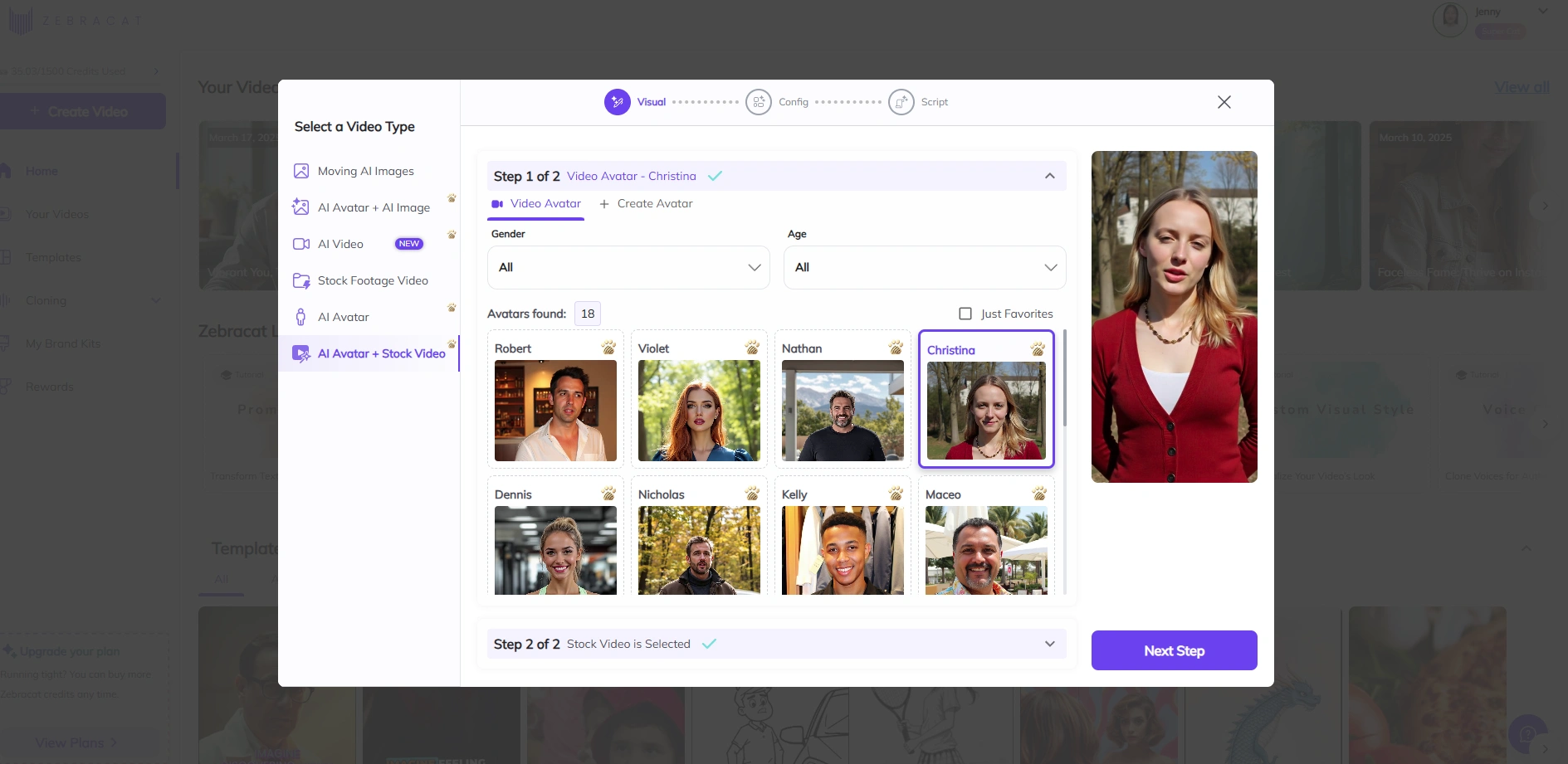
Honest framing first: Zebracat is not an editor. It replaces the reason you open one. Paste a script, idea, or blog URL and it returns a finished video: AI visuals, voiceover, captions, music, right format. My test script became a publishable vertical video in under two minutes. If your Clipchamp sessions are mostly assembling stock, adding a voiceover, and captioning, this path eliminates that work instead of speeding it up.
In 2026 it also runs the latest video generation models, auto-picked per scene by its orchestration engine, and its video agent schedules, posts to your channels, and learns from performance. For marketers and faceless creators producing volume, that loop is the actual upgrade over any editor.
When it is wrong for you: footage you filmed needs an editor below, not a generator.
Pricing
Free plan (watermark). Paid from $19/month billed annually ($39 monthly). Details on the pricing page.
2. CapCut: Best Free Editor Upgrade
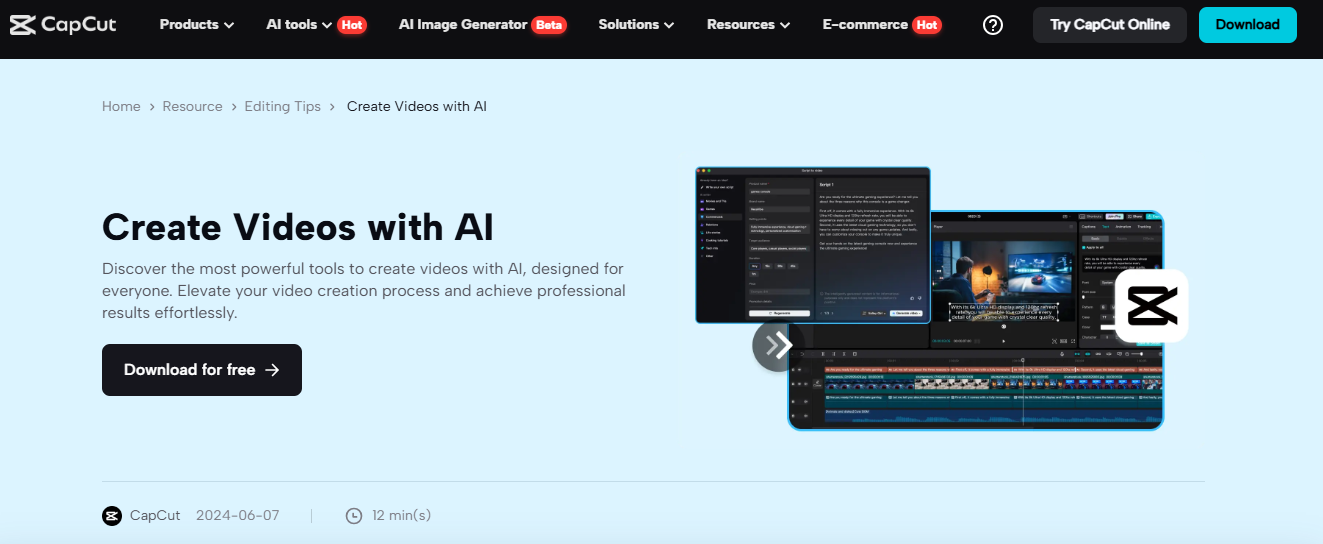
If you want what Clipchamp does, but more of it and free, CapCut is the answer for most people. Auto-captions, smart cropping, trend templates, long-to-short conversion, on desktop, web, and mobile. My 60-second test clip was caption-ready in about six minutes, the fastest of any editor in this list. The main trade-off is ecosystem: it is ByteDance-owned, and some organizations restrict it.
Pricing
Free for core features. Pro around $10/month.
3. DaVinci Resolve: Best Free Professional Editor
Resolve is the ceiling-remover. Hollywood-grade editing, color correction, and audio tools, genuinely free, with a $295 one-time Studio license instead of a subscription. The cost is the learning curve: my first project took an evening, not minutes. Pick it if you are outgrowing browser editors entirely and want a skill that compounds.
Pricing
Free. Studio: $295 one-time.
4. Canva: Best for Brand-Consistent Business Video
Canva's video editor inherits its superpower: brand kits, team templates, and a design ecosystem your company already uses. Editing depth is moderate, but for producing on-brand social video across a team, nothing matches the consistency-per-effort ratio.
Pricing
Free plan. Pro around $15/month.
5. Veed.io: Closest Like-for-Like Browser Editor
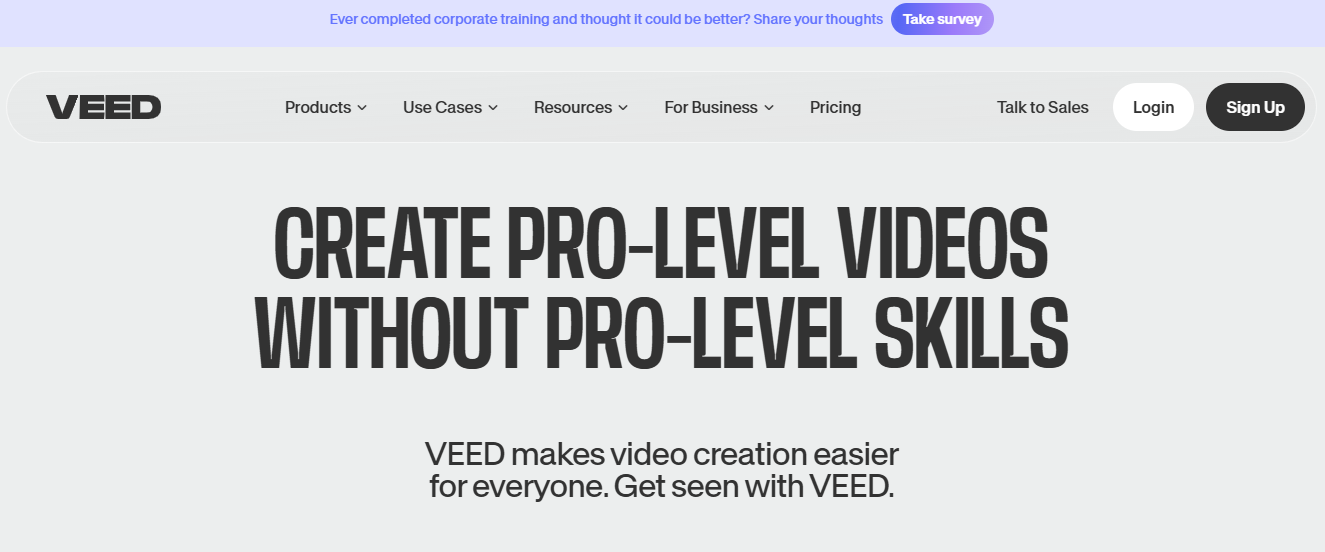
Veed is what Clipchamp users expect, executed better: a clean browser editor with standout auto-subtitles (the accuracy that justifies its keep), filler-word removal, screen recording, and a large stock library. Free tier watermarks; pricing climbs as you add AI features. The query I hear most, "alternatives to Clipchamp with better AI voices," lands here or at Zebracat depending on whether you want to edit or generate.
Pricing
Free with watermark. Paid plans from about $9/month.
6. Kapwing: Best for Teams Editing Together
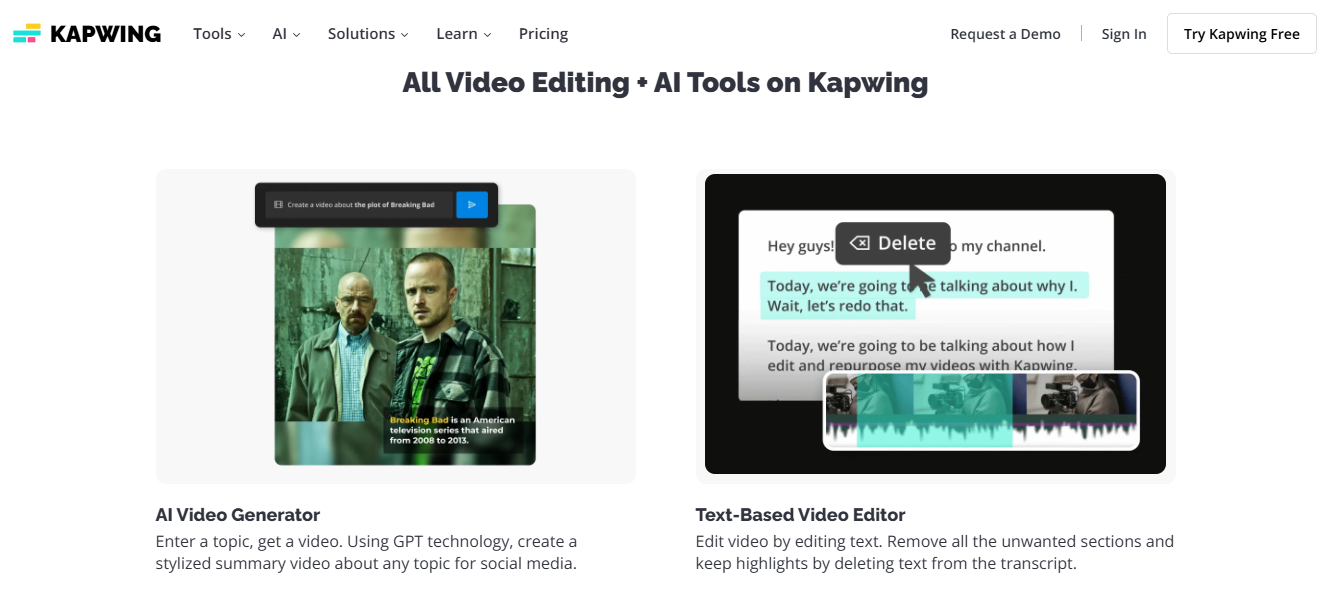
Kapwing's edge is real-time collaboration, Google Docs for video. Shared brand assets, comments, simultaneous editing. Solo creators will not notice the difference from Veed; content teams will. Auto-subtitles occasionally need manual fixes.
Pricing
Free tier. Pro around $16/month.
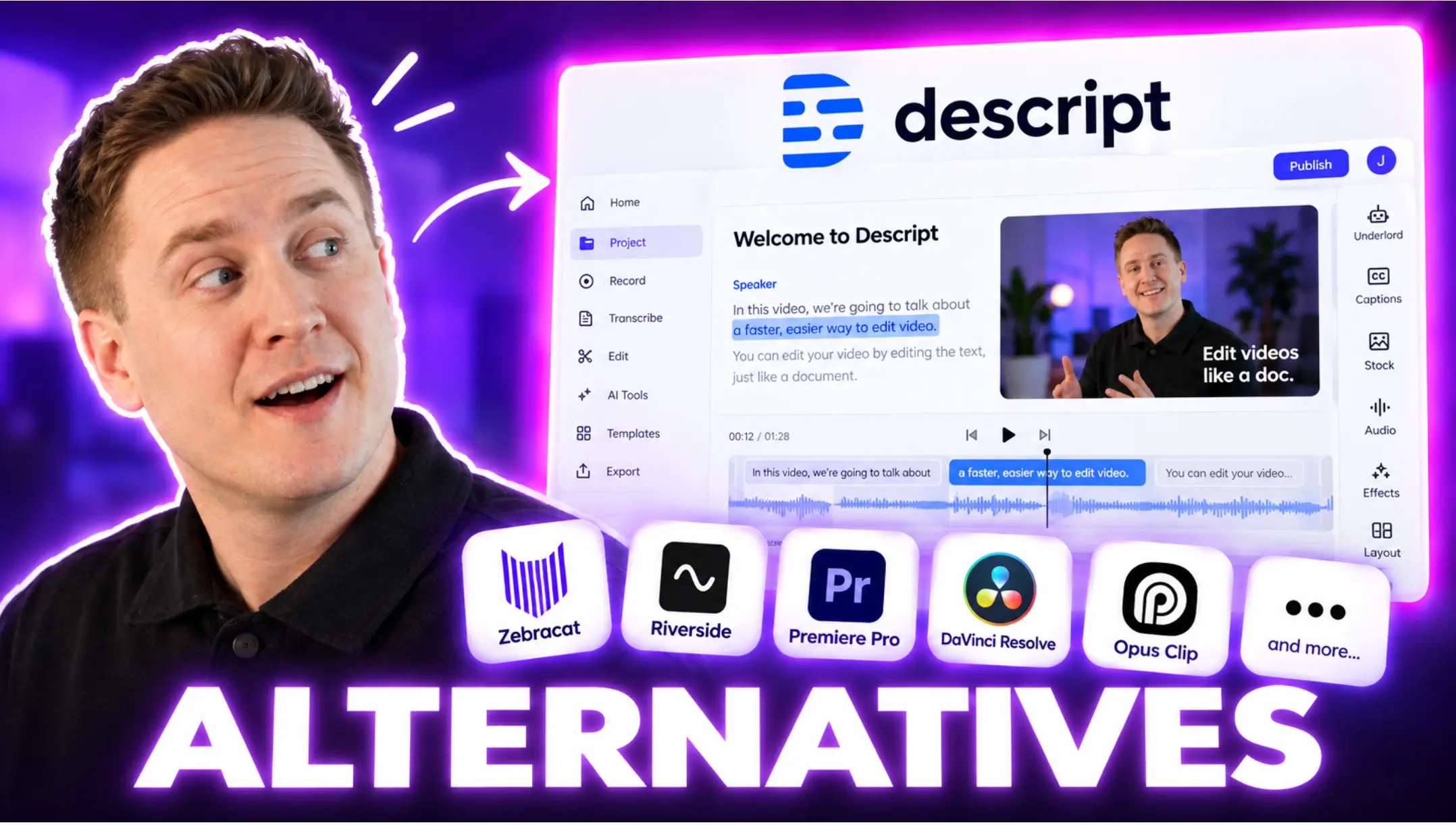
7. Descript: Best for Talking-Head and Podcast Video
Descript replaces timeline editing with transcript editing: delete the sentence, the video cuts itself. For interviews, podcasts, and webinar repurposing it is the fastest path from recording to clips I have tested. Wrong tool for visual, music-driven edits.
Pricing
Free tier. Paid plans from about $12/month billed annually.
8. FlexClip: Lightweight Template Editor for Beginners
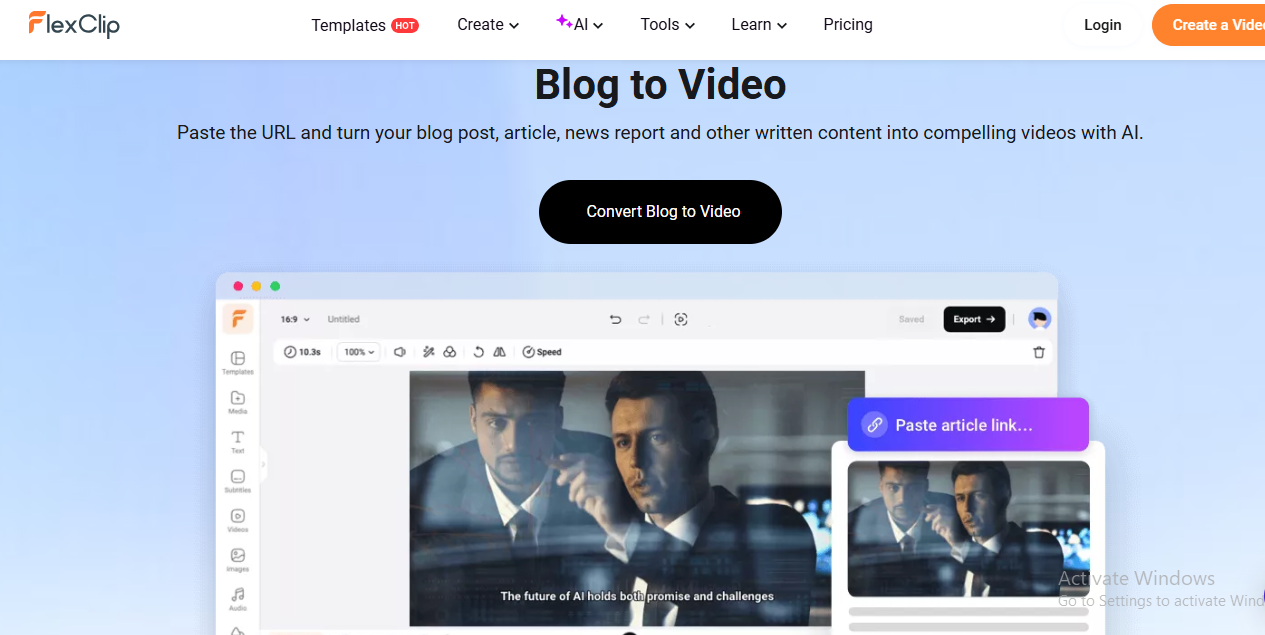
FlexClip is the gentlest step sideways from Clipchamp: templates, stock, simple text-to-video, all in the browser. Its AI layer is thinner than the leaders, but for quick, casual projects the simplicity is the feature.
Pricing
Free plan. Paid from $9.99/month.
Which Alternative Should You Pick?
- You mostly assemble stock, voiceover, and captions: stop editing, generate. Zebracat turns the script into the finished video and its agent posts it.
- You edit filmed footage and want free + powerful: CapCut for social speed, DaVinci Resolve for professional depth.
- You want Clipchamp's workflow, just better: Veed solo, Kapwing for teams, FlexClip for simplicity.
- Your video is people talking: Descript, nothing else comes close.
- Brand consistency across a team: Canva.
Related reading: my best AI video generators and best AI reel makers roundups, and CapCut alternatives if you are coming from the other direction.
FAQs
What is the best free alternative to Clipchamp?
CapCut for short-form social editing; DaVinci Resolve if you want professional-grade tools. Both are genuinely free without watermarks on core features. For generating videos from text instead of editing, Zebracat's free plan works with a watermark.
What is the best Clipchamp alternative for Mac?
iMovie ships free with macOS and covers basics. CapCut, DaVinci Resolve, and every browser tool on this list (Veed, Kapwing, Canva) run on Mac as well.
Which Clipchamp alternative has better AI voices?
Zebracat, with 120+ lifelike AI voices plus voice cloning. Among editors, Veed's text-to-speech is the strongest like-for-like upgrade.
Is Clipchamp still free in 2026?
The core editor is free, but premium features, stock, and higher-quality exports are tied to Microsoft 365 subscriptions, which is the ceiling that sends most people to this list.
The Bottom Line
Replacing Clipchamp is really a fork: better editing or no editing. If your content is filmed, CapCut and Resolve give you more tool for less money. If your content starts as an idea or script, Zebracat removes the editing step entirely and adds what no editor has: an agent that posts your videos and learns from what performs. Pick the fork first; the tool choice follows.

Hey there, I’m Jenny. I’ve been in marketing for almost 10 years, and I love marketing tech, AI, and automation. I’ve built several YouTube and TikTok channels—some hits, some misses. I joined Zebracat after being a user myself, ready to share my learnings with the world!
Create videos 10x faster and easier with Zebracat
Try it now
Comments