Sizes you can email
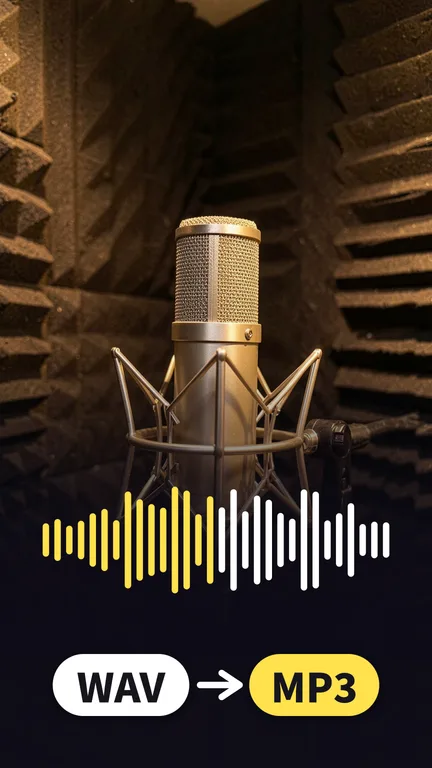
A minute of 44.1 kHz, 16-bit stereo WAV is about 10 MB. The same minute as a V2 MP3 is about 1.4 MB, so a 40 MB song bounce becomes a file that fits any inbox.
- About 7x smaller
- Fits email and chat limits
- Uploads in seconds
 Capterra 4.9
 G2 4.8
 Trustpilot 4.7
Shrink large WAV files from recorders, DAWs and sample packs into high quality MP3s. A CD-quality stereo WAV uses about 10 MB a minute; the MP3 about 1.4 MB.
Made in your browser. Saved to your Zebracat account.
Drop a video or audio file here
or
Any common format, up to 500 MB
Free account. We save the file to your Zebracat account and open it in the studio, ready to download or turn into a video.
Three steps
Pick a bounce, a field recording or a voice take. 16-bit, 24-bit and high sample rates are read.
Press "Convert file". LAME encodes it at a variable bitrate around 190 kbit/s.
Download it and send it where a WAV would be too heavy.
What you get
A minute of 44.1 kHz, 16-bit stereo WAV is about 10 MB. The same minute as a V2 MP3 is about 1.4 MB, so a 40 MB song bounce becomes a file that fits any inbox.
Recorders and DAWs often write 24-bit or 96 kHz WAV. MP3 tops out at 48 kHz, so higher rates are resampled to 48 kHz on the way; mono stays mono.
MP3 throws away sound the ear is unlikely to notice. That is ideal for listening and sharing, but each new edit and export loses a little more, so keep the WAV as your master.
Who it is for
Bounces a 4-minute mix as a 42 MB WAV, converts it to a 6 MB MP3 and drops it in the band chat.
Records an interview to WAV on a handheld recorder and converts it to MP3 for a co-host who listens on the train.
Converts WAV backing tracks to MP3 so students can download them on mobile data.
Sends MP3 versions of WAV chapter takes for a quick listen and keeps the WAVs for the final master.
Comparison
Good to know
WAV stores sound as raw PCM samples: nothing removed, nothing compressed. That makes it the working format of recorders, DAWs and sample libraries, and also bulky. MP3 uses a model of hearing to drop detail the ear masks, and at V2 most listeners cannot tell it from the original in normal listening.
The page runs ffmpeg in your browser. It reads the WAV, 8, 16, 24 or 32-bit, any common sample rate, and encodes it with LAME at V2. Rates above 48 kHz are resampled, because MP3 does not support them. Channels stay as they were. It is made on your device; when you save it, the result goes to your Zebracat account.
Send MP3 when someone only needs to listen: feedback mixes, rough cuts, voice notes, samples for a client. Send WAV when they will edit, mix or master the audio, since every lossy step adds up.
FAQ
Choose the WAV above and press "Convert file". The MP3 is ready in seconds.
About seven times smaller than a CD-quality stereo WAV: roughly 1.4 MB per minute instead of 10 MB.
Variable, around 190 kbit/s on average (LAME V2).
Yes. The MP3 is resampled to 48 kHz, the highest rate MP3 supports.
Only the result, and only when you save it. Your browser reads and encodes it, so there is no upload to wait for.
500 MB: about 47 minutes of CD-quality stereo, or 29 minutes of 24-bit, 48 kHz stereo.
Keep going
Go further
Start from a few lines of text and end with a video that has a voice, visuals and captions.
Go from a script or blog post to a finished YouTube video with voiceover, music and subtitles.
Lifelike narration for your script, with the full video made around it.
Start free and upgrade when you need more videos and features.
Describe an idea and Zebracat writes the script, makes the scenes and adds a voiceover and captions.
Start now