

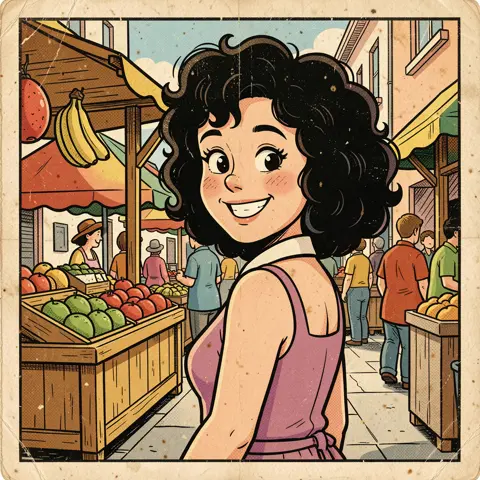
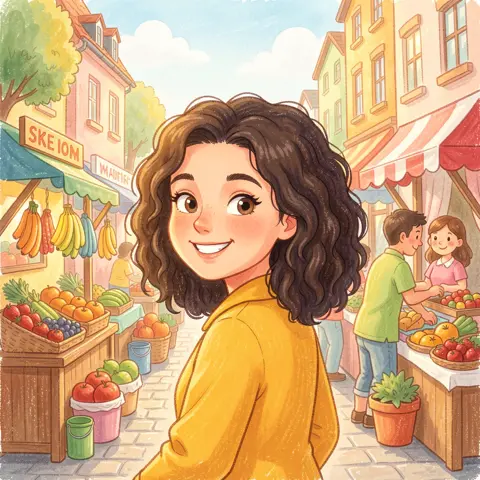
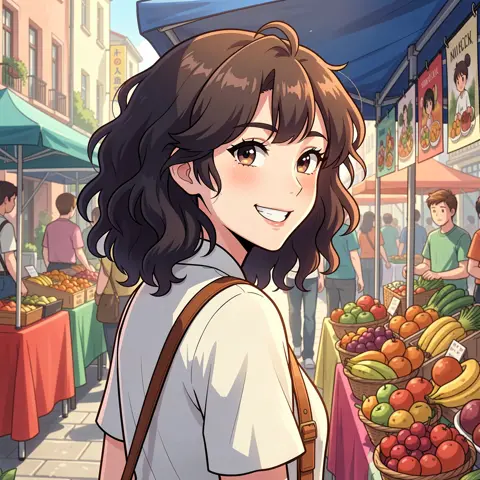
Nine looks on one strip
Flat Animation, Retro Cartoon, Kids Book, Anime, Anime Realism, Japanese Ink, 3D Render, Low Poly and Claymation come first, with more styles after them.
- 2D cartoon looks
- Anime and ink
- 3D and clay
- More styles after them
 Capterra 4.9
 G2 4.8
 Trustpilot 4.7
Describe a story and get an animated video with a voiceover and music. The style row decides how it's drawn.
Your first video is free. Sign up on the next step and get your video in minutes.
Three steps
One or two sentences with a hero and a problem. A lighthouse cat who's afraid of the dark is plenty.
Pick a look on the style strip and a length. Flat 2D, anime, 3D and clay are all there.
Sign up free, read the scenes in the plan, then generate the narrated animation.
What you get
Flat Animation, Retro Cartoon, Kids Book, Anime, Anime Realism, Japanese Ink, 3D Render, Low Poly and Claymation come first, with more styles after them.
Zebracat makes one complete story in one look. You get a start, a turn and an ending, not a pile of loose clips.
Whatever you put in the "main character" box stays the same through every scene. A tiny robot stays a tiny robot.
Who it is for
He types "a sleepy owl who cannot find the moon" in Kids Book style and plays the minute-long result at bedtime.
She asks for "a water droplet's journey from the sea to a cloud and back" in Flat Animation for a Year 4 lesson.
They post weekly 45-second original stories in the Anime look, each with the same hero.
She tells the story of "a lost parcel that finds its way home" in 3D Render for a delivery app ad.
Comparison
Good to know
The cartoon, anime and Ghibli-style pages each start from one family of looks. This one is for when the story comes first and you haven't decided how it should be drawn. The strip puts 2D, anime, ink, 3D and clay side by side, so you can try the same story a few ways before you commit.
Give the hero a want and an obstacle: "a snail who wants to win a race against a rabbit". Keep the cast to one or two characters and the setting simple. The ending should answer the want. Either the snail wins, or it learns something better.
Zebracat turns your text into one complete story in one animated look, with expressive characters and clear colours. It writes the narration, plans the scenes and shows them before anything is made. You can change the style there too.
Reviews
★★★★★
”The variety—from photo-realistic to stop-motion—is perfect for my channel and better suited to my needs than other tools I've tried. I visit the site often and consistently get the results I want.”
 Kelly Content creator, small-business owner · Reviewed on G2
★★★★★
“I’ve been using it for 3 weeks, testing 3-4 videos per day. This saves a lot of time, gets results, and costs way less than hiring creators.”
 Yasemin F. Social Media Marketer · Reviewed on Capterra
★★★★★
“I know (and used) a lot of AI video tools (for different usecases). Also direct competitors. Zebracat is the only one that gives great results very fast - also the caption styles are great!”
 Robert Leitinger CodeRocker - Online Marketing Agency · Reviewed on G2
FAQ
It turns a written story into an animated video with narration. You choose how it's drawn and the AI plans and makes the scenes.
Flat Animation, Retro Cartoon, Kids Book, Anime, Anime Realism, Japanese Ink, 3D Render, Low Poly and Claymation, plus more styles.
Name the main character in the form and the plan keeps that hero throughout.
Pick 30, 45, 60 or 90 seconds here. You can still change it in the plan.
No. One sentence is enough and the studio writes the narration. If you already have exact words, the script to video maker reads them as written.
You can. Paid plans include commercial rights to the videos you make.
Planning is free, and your first video is free. After that, videos use your plan's allowance.
Keep going
 Cartoon Video Maker Bright 2D cartoon videos from your script.
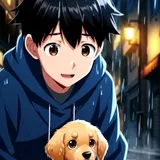 Anime Video Maker Turn a story into an anime-style narrated video.
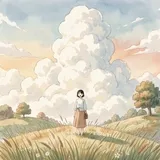 Ghibli Video Maker Gentle stories over hand-painted nature loops.
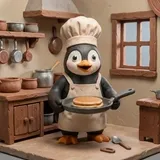 Fruit Drama Generator A 3D mini-drama starring talking fruit.
 Animate Drawing New Bring a sketch or a child's drawing to life.
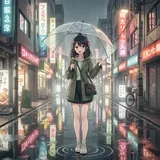 AI Movie Maker A short film with a cast, dialogue and an ending.
Go further
Paste a script or an idea and get a finished video with voiceover, footage, music and captions.
Start with a topic and get a script you can turn straight into a video.
Turn an idea into a YouTube-ready video without opening an editor.
Start free and upgrade when you need more videos and features.

