
The game-trailer look
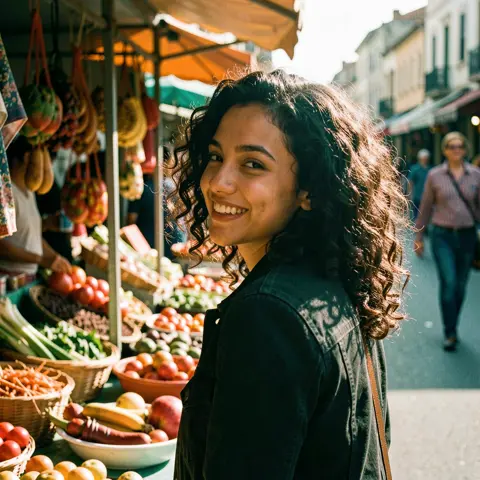
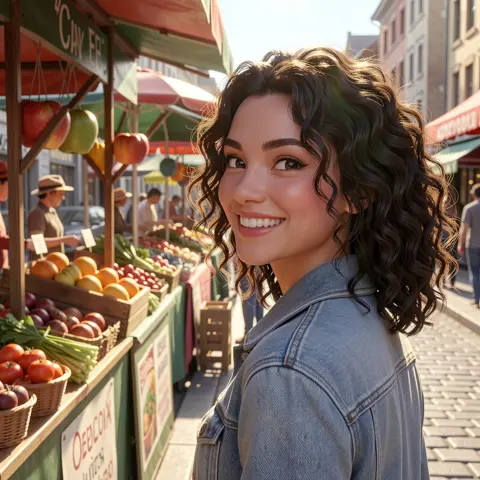
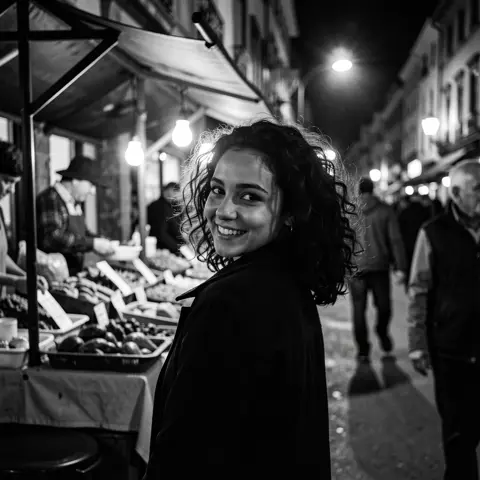
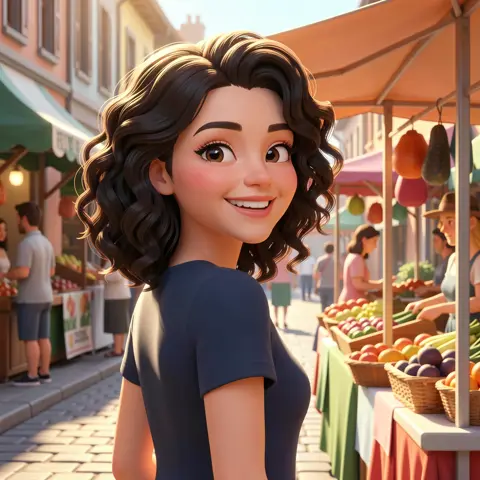
Sunset skies over the ocean, palm trees, pastel hotels and neon after dark, cut into short shots on the beat like a game trailer.
- Sunset coast
- Neon nights
- Slow motion
- Name and title cards
 Capterra 4.9
 G2 4.8
 Trustpilot 4.7
Make a video that looks like the trailer of an open-world crime game: a sunny coast, neon nights, fast cuts on the beat and your name on screen. Write the story, add your photo, and star in it.
Your first video is free. Sign up on the next step and get your video in minutes.
Three steps
Who the star is, where it happens and what goes wrong. A heist at a beach bar, a chase over the causeway, a betrayal on a yacht.
3D Render is the default for the game-trailer look. Modern Noir suits night scenes.
Sign up free and read the shots. To star in it, add your photo to the main character in the plan, then generate.
What you get
Sunset skies over the ocean, palm trees, pastel hotels and neon after dark, cut into short shots on the beat like a game trailer.
Every scene is made new from your words. Nothing from any game is used, whether footage, characters, logos or music.
Write yourself in as the star, then add your photo to that character in the plan. Your face stays your own, drawn in the game look, in every shot.
Who it is for
He imagines "the opening cutscene of a heist game set in a Florida-style city" for a speculation video.
She asks for "my trailer: a hairdresser who secretly runs the city" and adds her own photo for the trend.
He drafts a getaway scene in the game look to pitch his crime story.
He asks for "a slow-motion arrival at our car wash, palm trees, sunset" for a playful ad.
Comparison
Good to know
Open-world crime games set in sunny coastal cities have a trailer style people recognise at once: a pink sunset over the sea, neon at night, fast cars, quick cuts on the beat of a retro song, slow-motion moments and each character's name on screen. People want that look for their own stories, and most of all they want to be the main character.
Zebracat describes the style in plain words: a detailed 3D game render of a sunny Miami-style coast, short shots on the beat of a retro song, slow motion, the star's name on screen and a title card at the end. It names no game, studio or character, and nothing from a game is used, whether footage, logos or music. Not affiliated with or endorsed by Rockstar Games or Take-Two Interactive.
Write it like a trailer: who the star is, the place, and the moment it all goes wrong. "A florist who launders money through her flower shop, a deal on a yacht, then a chase across the causeway" gives every shot something to show. Name your star, and the name goes on screen.
Reviews
★★★★★
“I’ve been using it for 3 weeks, testing 3-4 videos per day. This saves a lot of time, gets results, and costs way less than hiring creators.”
 Yasemin F. Social Media Marketer · Reviewed on Capterra
★★★★★
“Really intuitive product. Very easy to create Instagram/Youtube shorts. I love the sheer amount of stock footage and also the scripts generated from the AI are very accurate!”
 Shivay Lamba Builder & Сreator · Reviewed on Trustpilot
★★★★★
“I use this app every single day. It’s very easy to make a story video. The quality is amazing, easy to used. The support very helpful!”
 Samnang Bradley Content creator · Reviewed on Trustpilot
FAQ
A short video that looks like an open-world crime game trailer, made from your story, with you as the star if you add your photo. No game footage is used.
No. Not affiliated with or endorsed by Rockstar Games or Take-Two Interactive.
No. Invent your own characters, and the plan keeps them consistent.
Yes. Write yourself in as the main character. When the plan is ready, open Characters, tap your character's picture and upload a clear photo of your face. The video keeps your face and draws you in the game look.
3D Render, the default, gives the game-engine look of a trailer. 3D Photoreal is glossier and closer to real footage, and Modern Noir suits night scenes.
You can. Paid plans include commercial rights to the video you make.
Planning is free, and your first video is free. After that, videos use your plan's allowance.
Keep going
 AI Movie Maker A short film with a cast, dialogue and an ending.
 POV Video Generator Seen through your own eyes, scene by scene.
 Brainrot Video Generator Punchy stories narrated over gameplay footage.
 Minecraft Parkour Video Generator Your story over Minecraft parkour gameplay.
 Prompt to Video Describe an idea in one line and let AI plan the whole video.
Go further
Paste a script or an idea and get a finished video with voiceover, footage, music and captions.
Get a video script for social, ads or YouTube in seconds.
Turn text into a natural AI voiceover, then build the video around it.
Start free and upgrade when you need more videos and features.


