
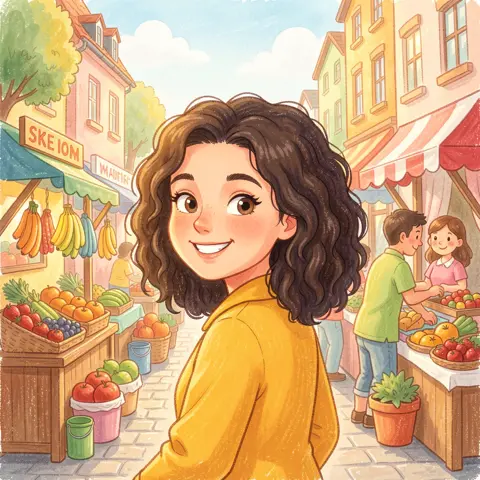

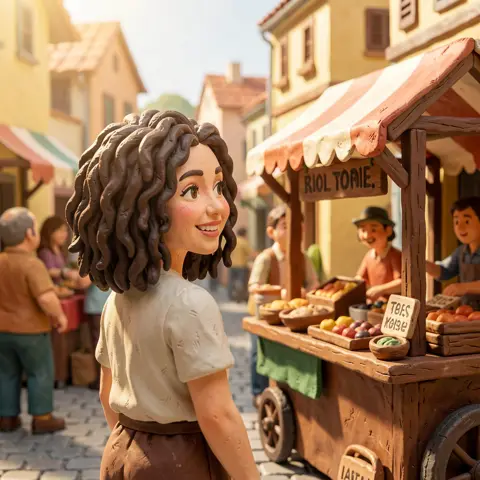
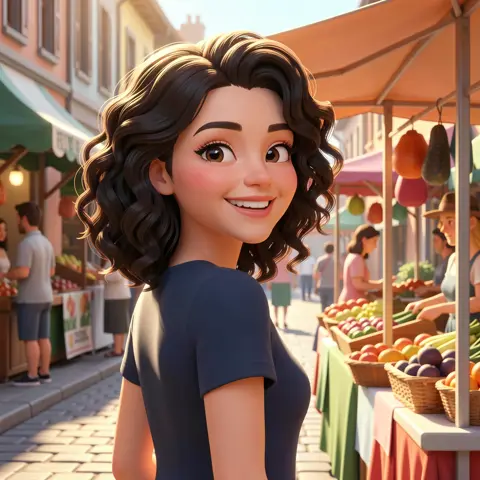
One clear picture per line
Toddlers follow along when each line has its own simple image. The star gets a star. The cow gets a cow.
- Line-by-line scenes
- Simple shapes
- Bright colours
- Matches the order of the verses
 Capterra 4.9
 G2 4.8
 Trustpilot 4.7
Make a nursery rhyme video for small children, with a simple picture for every line and a gentle voice. Type a classic rhyme or your own.
Your first video is free. Sign up on the next step and get your video in minutes.
Three steps
A traditional rhyme or your own, one line per line, the way it should be sung.
Kids Book is the default. Claymation and Flat Animation suit toddlers too. Planning is free.
Check one picture per line in the plan, generate, and watch together.
What you get
Toddlers follow along when each line has its own simple image. The star gets a star. The cow gets a cow.
The rhyme is spoken slowly, so little ones can join in.
Every video stays gentle and happy. You still look at every scene in the plan.
Who it is for
She types her own bath-time rhyme with her daughter's name and plays it every evening.
He makes "Five Little Ducks" in Claymation for circle time on the classroom TV.
They publish a public-domain rhyme each week, all in the same Kids Book look.
They make "Twinkle, Twinkle" in English and Spanish versions by switching the language.
Comparison
Good to know
Many traditional rhymes are centuries old and free to use. "Twinkle, Twinkle, Little Star" comes from a poem by Jane Taylor published in 1806, and "Old MacDonald" is a folk song. Newer children's songs may still be under copyright, so check before you post a well-known modern one.
Short lines, a strong rhythm and repetition make a rhyme easy to learn. Build it around a routine your child already knows, like brushing teeth or bedtime, and put their name in. Four to eight lines fit a 30-second video.
Zebracat turns your rhyme into a bright, gentle video for small children: simple scenes that follow each line, a warm voice and easy-to-read captions. You can change any scene before it is made, and the finished video is yours to play at home or in class.
Reviews
★★★★★
”The variety—from photo-realistic to stop-motion—is perfect for my channel and better suited to my needs than other tools I've tried. I visit the site often and consistently get the results I want.”
 Kelly Content creator, small-business owner · Reviewed on G2
★★★★★
“I’ve been using it for 3 weeks, testing 3-4 videos per day. This saves a lot of time, gets results, and costs way less than hiring creators.”
 Yasemin F. Social Media Marketer · Reviewed on Capterra
★★★★★
“I know (and used) a lot of AI video tools (for different usecases). Also direct competitors. Zebracat is the only one that gives great results very fast - also the caption styles are great!”
 Robert Leitinger CodeRocker - Online Marketing Agency · Reviewed on G2
FAQ
Type the rhyme, pick a mood and a look, press Generate video, sign up and check the plan. Then generate.
The voice says the rhyme slowly and clearly. A sung melody is not guaranteed, so listen to the result before sharing it.
Write it into the rhyme and it will be said.
Kids Book and Claymation, with their soft shapes and bright colours.
For rhymes you wrote or that are in the public domain, yes. Paid plans include commercial rights to the video.
Pick the language in the form. The words and the voice follow it.
Planning is free. Each video you generate uses your plan's allowance.
Keep going
 Cartoon Video Maker Bright 2D cartoon videos from your script.
 Bible Story Video Generator New Bible stories told with respect, in painterly pictures.
 AI Animal Video Maker Animal stories in AI video or AI images, narrated for you.
 AI Animation Generator New Cartoon, anime or 3D animation from one idea.
 Christmas Elf Video Generator New A little Christmas elf comes alive at night.
 AI Dog Video Generator New Funny and sweet dog videos from one line.
Go further
Pick a voice in one of 170+ languages and hear your script read aloud.
Record a minute of your voice and have whole videos narrated by you.
Let AI write and time the captions so you can get back to the content.
Start free and upgrade when you need more videos and features.

